Capture a Useful Steal a Brainrot Clip and Check What It Actually Records
A clean gameplay capture and a technical evidence screenshot can serve different purposes. Read the capture feature’s current limits and inspect the saved result before sharing it as proof of a claim.
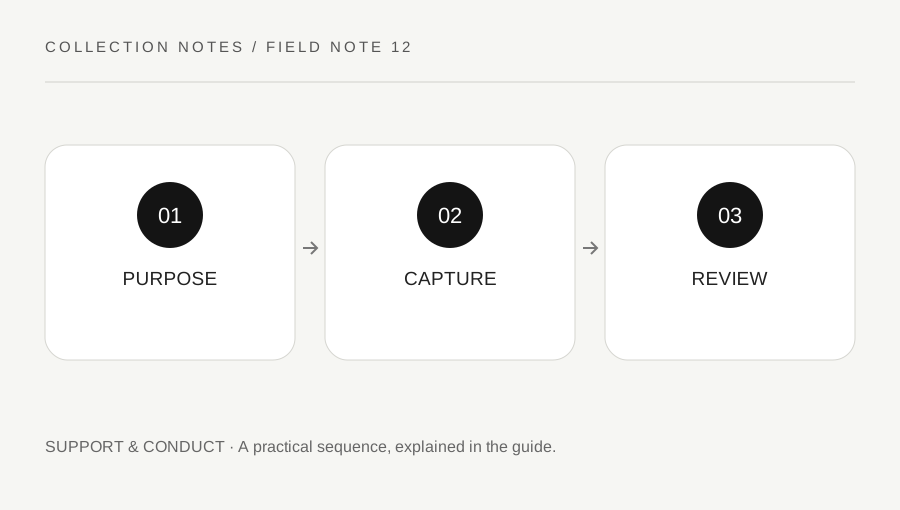
Original explanatory diagram. Examples illustrate a method or decision; they are not claims of personal testing.
Choose the purpose before recording
Decide whether the clip is a memory, a practice review or evidence for a specific support question. A movement sequence may be useful in video, while a balance, item description or error message may need a readable interface record. Do not assume every capture method includes every part of the live screen.
Use supported device and Roblox features and respect privacy, consent and applicable rules. Do not record private conversations unnecessarily or provoke another player to create a dramatic example. Keep account credentials and sensitive notifications out of the material. The game context does not remove the need to review what a recording reveals.
Read the current Roblox capture behavior
Roblox's video-capture help describes a short capture feature and explains that its current output removes the in-experience interface and does not include voice chat or other in-experience audio. Verify the current guidance and saved result for the device and client you use, because features can change.
Those limits matter to evidence. A clip without the relevant counter or sound cannot establish what that omitted detail showed. If the task needs a different permitted recording method, follow the device's official guidance and inspect privacy carefully. Do not install an unknown recorder or modified client advertised as necessary to capture the game.
Keep the original sequence and context
When reviewing a practice moment, note the time, device and what you were trying to do. Retain the authorized original where useful. A short edited clip can omit the setup or the result, so do not present it as complete proof of a wider event. Label an excerpt honestly and keep claims within what is actually visible.
For a support issue, gather only relevant evidence and use the official route for that issue. A gameplay recording does not reveal every server-side action or guarantee item restoration. Do not publish private server links, receipts or other account data as part of a public attempt to get attention.
Work through a control-practice clip
Imagine a player records a short ordinary route to review their camera and item-selection timing. They inspect the saved clip and discover that the clean capture does not show the interface indicator needed for one conclusion. They keep the movement observation but do not claim the video proves which item was selected.
For a later permitted technical record, they choose a suitable method that shows the needed detail and review the output before submitting it privately. This example is a method for interpreting evidence, not a promise that a particular capture feature is enabled for every account or that every recording will be accepted as proof by support.
Share only a reviewed copy
Watch the whole saved result, check the frame edges and remove or withhold material that should remain private through an appropriate process. Do not alter a support record in a way that hides relevant context while calling it unedited. A public creative clip and a private technical report may need different copies and explanations.
Keep creator and game rights respected and do not offer someone else's media as a reusable asset library. The useful outcome is a clip with an understood purpose and limitations. It can support learning or a bounded report without becoming a claim of official affiliation, a complete record of hidden game state or a guaranteed route to recovery.
A practical checklist
Choices are saved in this browser. Reset them here or clear this site’s browser storage.
Questions that come up
Does a clean gameplay clip show every interface counter?
Not necessarily. Roblox’s current capture help describes interface removal, so inspect the actual result and use an appropriate permitted method for the evidence needed.
Can a short clip prove every server-side event?
No. Keep claims limited to what is visible and use the responsible support route for unresolved state questions.
Should I install an unknown game recorder?
Use supported trusted features and device guidance rather than a modified client or unsolicited download.
References & scope
Background references checked on 18 October 2026. Worked examples and diagrams are original teaching material.