Steal a Brainrot Lag: Separate Choppy Graphics from Delayed Actions
A slow-looking session can involve rendering, connection or the experience itself. Describe what fails and make one supported comparison before installing a supposed lag fix.
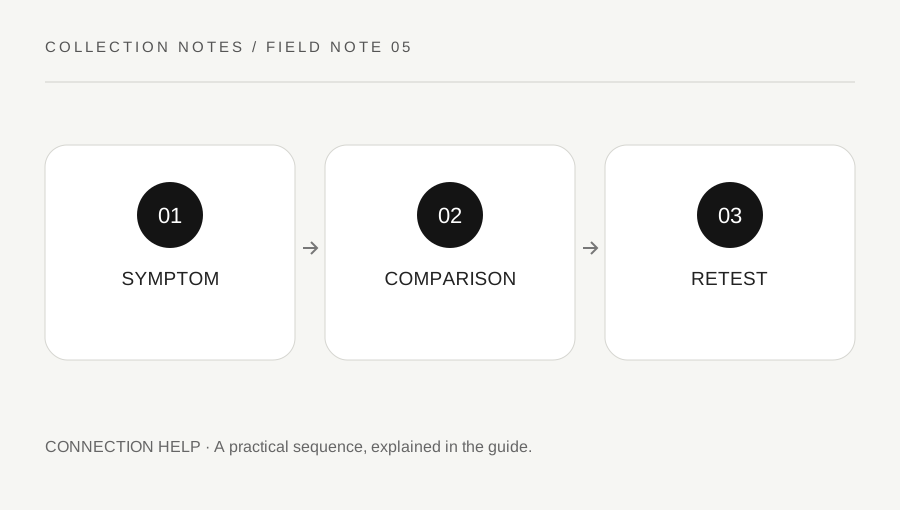
Original explanatory diagram. Examples illustrate a method or decision; they are not claims of personal testing.
Describe the visible problem
Record whether the view is choppy, other players jump unexpectedly, actions take time to register or the client disconnects. Note the device, approximate time and what was happening. A delayed in-game action is not the same observation as a low visual frame rate. Roblox's support guide separates network, graphics and other practical performance questions.
Keep a screenshot or short description free of private account information. Do not infer that another player is cheating simply because their movement looks irregular during a connection problem. The observation is a reason to compare conditions, not a complete diagnosis of the platform, game or another person's behavior.
Use supported graphics and client checks
If the issue looks like choppy rendering, review Roblox's supported graphics settings through the current client instructions. Lowering a supported setting can reduce visual quality and device workload, but it is not a guaranteed repair for every delay. Record the original state so the change can be understood and reversed where appropriate.
Close nonessential applications you control when safe and keep the client updated through official channels. Do not disable protective software or install an executor, injector or unknown booster. A performance tutorial should not require sharing credentials or altering the client in an unsupported way. On a managed device, use its administrator for restricted changes.
Compare connection conditions separately
If actions are delayed or the session disconnects, check official Roblox status and connection help as appropriate. Compare another ordinary trusted online task without assuming that one successful web page proves a sustained game connection is perfect. Record whether the issue affects one device or several and whether it happens in more than one experience.
Do not change every router setting to solve one uncertain game symptom. Keep the comparison small and use normal supported reconnect or restart steps where appropriate after protecting other work. The live collection state should be checked after access returns; a networking change does not itself establish what the game saved or restore an item.
Work through a graphics comparison
Imagine a player sees consistently choppy camera movement in Steal a Brainrot. They record the condition, lower one supported graphics setting and repeat an ordinary low-risk view. If the view improves while a delayed action remains, they keep those two observations separate. They do not claim that the graphics change solved the entire session.
If no useful difference appears, they restore or retain the appropriate supported setting and seek the next official branch. This is an illustrative comparison, not a benchmark or a promise for every device. Avoid testing performance through an irreversible purchase or a valuable carry that could create a separate gameplay loss.
Escalate with a bounded record
Provide official support with the device, client information, time, exact error and the comparisons that actually occurred. For an experience-specific issue, use the creator's official route as relevant. Keep passwords, cookies, private links and public accusations out of the report. A useful record states what happened without inventing a guaranteed cause.
Use a stable ordinary session plan while the problem is investigated and stop if the client is unreliable for the task you intended. Better controls and settings can help usability, but no lag guide guarantees protection, income or recovery. The practical goal is a clearer failure category and a supported next step.
A practical checklist
Choices are saved in this browser. Reset them here or clear this site’s browser storage.
Questions that come up
Will lowering graphics fix every delayed action?
No. Rendering and connection symptoms can differ. Compare the actual result and use the relevant support branch.
Does irregular movement prove another player cheated?
No. Connection or performance conditions can affect what you see. Report specific rule evidence through supported tools.
Can a network setting restore a lost character?
Do not assume that. Access and saved in-experience state are separate questions.
References & scope
Background references checked on 18 October 2026. Worked examples and diagrams are original teaching material.