Steal a Brainrot on Mobile: Learn the Current Controls Before a Risky Carry
The official experience lists mobile and tablet support, but the current interface still needs practice on your device. Learn movement, camera and available actions before combining them under pressure.
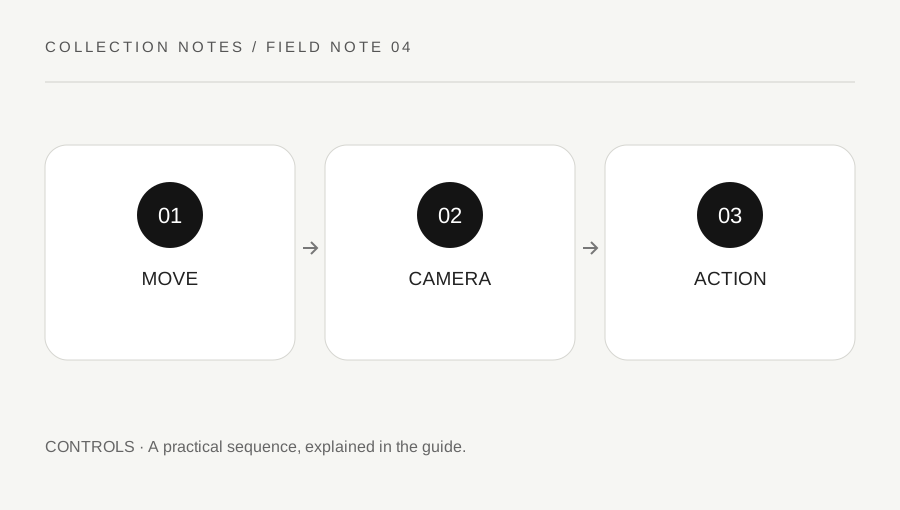
Original explanatory diagram. Examples illustrate a method or decision; they are not claims of personal testing.
Read the controls that are actually present
Open the supported help and settings available in your Roblox client and the experience's current interface. The official Steal a Brainrot description lists desktop, mobile and tablet players, but that does not mean every device uses identical buttons or offers the same screen space. Do not copy a desktop key sequence into a touch-control assumption.
Identify the normal movement, camera and interaction controls before buying gear or beginning a risky route. Roblox's help describes in-experience settings and device gestures, while creators can provide experience-specific behavior. Use only the controls and features actually enabled. A missing button is a question to verify, not proof that an external script is needed.
Practise one action at a time
Choose an ordinary low-risk moment and move along a simple route without combining it with a valuable objective. Turn the camera, stop where intended and inspect whether your fingers obscure important interface information. Keep the device comfortable and secure. Do not practise while walking in traffic or another unsafe real-world setting.
Then add one supported interaction and observe what happens. Do not press several unfamiliar controls at once and later guess which caused the result. If a setting can be changed, record its original value before an authorized adjustment. The goal is a repeatable control sequence, not maximum speed or an unsupported input automation.
Check gear selection separately from use
The official experience mentions purchasable slaps and troll gear, but the current items and controls must be read in the live game. Learn how the supported inventory or selection interface indicates the active item. Do not assume that a familiar icon proves the desired item is equipped or that a clip from another update shows current behavior.
Use permitted ordinary practice and current rules. Do not harass another player or seek an exploit to test a control. If an action has a cost or irreversible effect, read the actual prompt before confirming. A controls exercise should reduce confusion rather than become an unplanned purchase or a risk to the collection you intended to protect.
Work through a touch-control example
Imagine a player can move reliably but struggles to turn the camera while watching their base information. They practise a short ordinary route, pause to review the layout and use supported settings where appropriate. They repeat one changed arrangement and note whether the intended action became easier.
They do not conclude that a particular sensitivity value is ideal for every phone. Screen size, client behavior and preference differ. Before attempting a more demanding in-game carry, they confirm that movement, view and item selection can each be performed deliberately. The example teaches a practice loop, not a guaranteed defense or theft technique.
Keep the next session’s state understandable
After the exercise, note the useful supported setting and any unresolved control question without storing account secrets. If another device is used later, check its own controls again. A desktop habit may not transfer directly to touch, and a changed interface after an update deserves a fresh small test.
Stop for persistent client problems and use official support rather than installing an alleged control booster or executor. A useful mobile routine makes ordinary actions predictable enough for the current task. It does not promise that control practice removes every gameplay risk or turns the device into a source of automatic income or wins.
A practical checklist
Choices are saved in this browser. Reset them here or clear this site’s browser storage.
Questions that come up
Do desktop keys map automatically to mobile gestures?
No. Use the current device and experience interface rather than assuming identical controls.
Can one sensitivity value suit every phone?
No. Use a supported comparison on the actual device and record your preference.
Does mobile practice guarantee a safe carry?
No. It reduces control confusion while ordinary game conditions and risks remain.
References & scope
Background references checked on 18 October 2026. Worked examples and diagrams are original teaching material.