Steal a Brainrot Join Permission Error: Check the Invitation Before Repeating
A permission error is different from losing an ordinary in-game contest. Record the exact message, verify the intended server and use the supported access settings rather than an outside bypass.
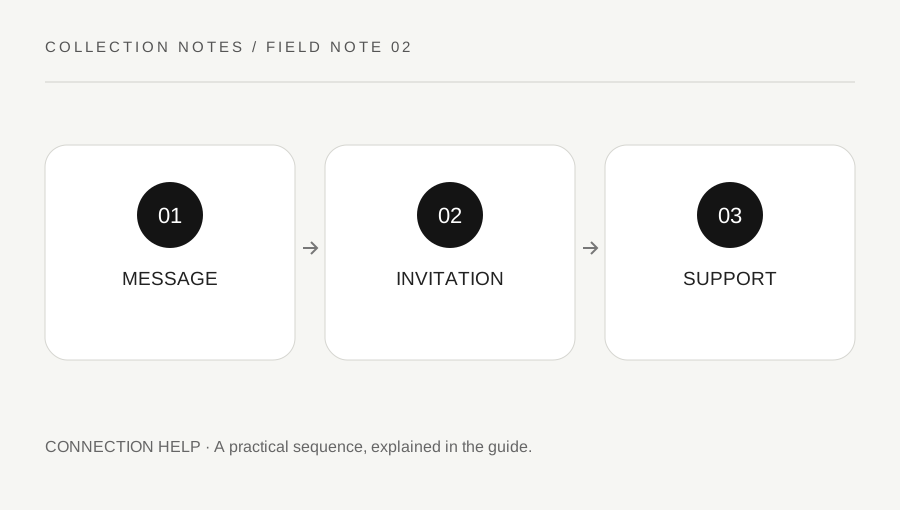
Original explanatory diagram. Examples illustrate a method or decision; they are not claims of personal testing.
Read the exact join failure
Record the error code and wording, the official experience and whether you tried a public or private server. A loading failure, an experience restriction and a private invitation problem can look similar during a rushed join. Do not assume every failure is error 524 merely because another player used that number.
Roblox's current 524 support page describes permission-related causes and possible availability or connection conditions. Use the actual observed message to choose the support branch. Keep account identifiers and private links out of a public screenshot. A useful note says what route failed and when, without publishing the invitation token or another person's account information.
Verify the intended access arrangement
Ask the legitimate server owner to inspect the supported access configuration if that is relevant. Confirm the actual account identity through a trusted route rather than relying only on a display name. Check account privacy and eligibility restrictions using Roblox's official guidance. Do not seek a workaround that bypasses protections or asks for another person's password.
A private link can be expired, altered or shared outside its intended audience. Use the official experience route and a trusted invitation source. Do not install an extension or run a script advertised as a permission unlock. Access troubleshooting does not require an executor, a cookie, a recovery code or payment to an unrelated player.
Separate availability from a permanent decision
Check relevant official Roblox status or support information when ordinary access is failing more broadly. A temporarily unavailable server is not necessarily an account ban, and a permission message does not prove your collection has been erased. Keep the statements narrow until the responsible system or creator supplies a clear answer.
Avoid repeatedly joining through several unfamiliar links while upset. If a supported ordinary route works but one private route fails, preserve that comparison. If all routes fail, record the device and actual messages. Each pattern gives support a more useful question than a claim that the game is broken for everyone.
Work through a friend-invite example
Imagine a friend sends a private-server invitation, but the player sees a permission error. They verify the official experience and ask the owner to inspect the guest arrangement through Roblox. They check their own supported privacy conditions without sharing login details. A corrected authorized invitation is then tested once.
If the error remains, they keep the code, time and device information and use the relevant support route. They do not buy an alleged unlock or assume that joining another server restores anything. This is an illustrative access process, not a guarantee that every account is eligible for every private server or that the same fix applies to all errors.
Escalate through the correct owner
For a platform-access issue, use official Roblox help and the current support form where needed. For an experience-specific restriction or creator-managed rule, follow the creator's official route linked from Roblox. Keep billing questions separate from server membership and avoid sending receipts into public chats.
After access is restored, inspect the live base and current state normally rather than making immediate irreversible decisions to test it. A useful resolution is an authorized working route and a clear understanding of the failure category. It does not require a promise about item recovery, private-server immunity or a third party's ability to override Roblox settings.
A practical checklist
Choices are saved in this browser. Reset them here or clear this site’s browser storage.
Questions that come up
Does every join failure mean error 524?
No. Read and record the actual code and wording before following a specific troubleshooting branch.
Can a script unlock private-server permission?
Do not use bypass scripts or share credentials. Use the legitimate server configuration and official support.
Does a join error prove my collection is gone?
No. Access failure alone does not establish the saved in-experience state.
References & scope
Background references checked on 18 October 2026. Worked examples and diagrams are original teaching material.